


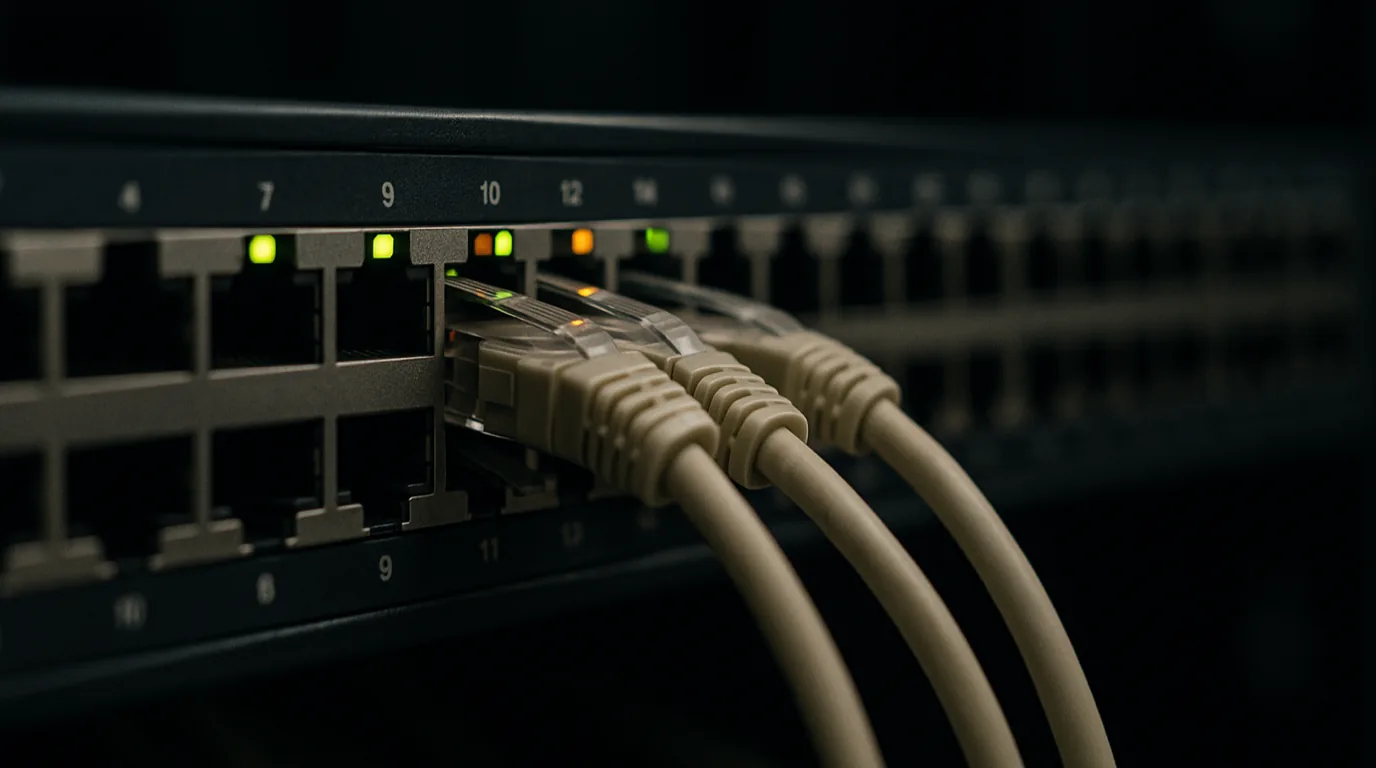
Port monitoring repeatedly connects to a specific host and port, such as db01:5432, to confirm that a service is actually accepting connections. It sits between ping and HTTP checks and answers one question: is the process listening, reachable through the network path, and accepting connections fast enough? This matters for network reliability because many outages happen while the host is still up, and only a port-level check notices them.
How a Port Check Works
A TCP port check opens a connection like a client would: SYN, SYN-ACK, ACK, then close. The result falls into one of three states:
- Open: the handshake completed, so something is listening and reachable.
- Closed: the host answered with a reset (RST), meaning it is reachable but nothing is bound to that port.
- Filtered: no answer arrived before the timeout, typically because a firewall, security group, or ACL dropped the packet silently.
UDP has no handshake, so a check sends a probe datagram and treats a valid reply as success. An ICMP "port unreachable" means closed, while silence is ambiguous. UDP checks therefore work best with a protocol-aware payload, such as a real DNS query to port 53.
Connection time matters too: a handshake that jumps from 20 ms to 800 ms is an early warning even while the port reports open.
Where Port Monitoring Sits Between Ping and HTTP
Think of the three check types as layers: host, service, application.
| Check | Question it answers | Typical blind spot |
|---|---|---|
| Ping (ICMP) | Is the host reachable on the network? | Service crashed while the OS keeps answering |
| Port (TCP/UDP) | Is this service accepting connections? | Application returns errors after connecting |
| HTTP/HTTPS | Does the app return the right response? | Non-HTTP services such as databases, SMTP, or MQTT |
For services that do not speak HTTP, such as PostgreSQL, Redis, SMTP, SSH, or RabbitMQ, the port check is often the most direct external availability signal.
Reliability Failures Port Monitoring Catches
These incidents slip past ping and show up at the port level:
- Service crashed, host still up. The database was OOM-killed, but the kernel still answers ping. The port flips to closed within one interval.
- Firewall or security group change. An infrastructure-as-code change drops traffic to port 5432. The host stays pingable; the port becomes filtered.
- Listener bound to the wrong interface. The service binds to
127.0.0.1instead of0.0.0.0. It looks healthy locally, but remote checks see it closed. - Slow accept or port exhaustion. A full accept backlog, TIME_WAIT buildup, or saturated pool makes handshakes stall. Rising connection time is often the first symptom.
- Unexpected services. A port that should be closed, such as a debug interface, suddenly appears open, which is both a reliability and a security concern.
What Port Monitoring Does Not Catch
An open port is not proof of a healthy service. A web server can accept connections and return 500 errors, a database can accept connections and reject queries because the disk is full, and a TLS listener can serve an expired certificate. Port checks also say nothing about slow queries or data correctness. Pair them with HTTP, API, and SSL checks above and ping below.
Practical Setup Guidance
- Monitor every externally reachable service port, plus internal ports that critical paths depend on.
- Use 30 to 60 second intervals for production services; 1 to 5 minutes is usually enough for lower-tier systems.
- Set timeouts around 5 to 10 seconds, and alert on connection time well above baseline, not only on failure.
- Confirm failures from more than one location before alerting, so one bad network path does not cause a false alarm.
- Keep a baseline of which ports should be open and closed, and alert on deviations in both directions.
UpScanX port monitoring provides TCP and UDP checks, service fingerprinting with version detection, protocol-specific response validation, and connection time tracking from 15+ global locations. UpScanX also compares port status against your configuration baseline to flag unexpected services, and sends alerts through Email, Slack, Telegram, Microsoft Teams, or Webhook. For more detail, see how port monitoring works.
Key Takeaways
- Port monitoring verifies that a specific service is accepting connections, not just that the host is reachable.
- It catches crashed processes, firewall changes, wrong bind addresses, and connection saturation that ping misses.
- Open, closed, and filtered states point to different root causes, which speeds up triage.
- It does not validate application behavior, so combine it with ping, HTTP, and SSL checks for full coverage.